





After-action report // Solana
Every degen's win screen. Gold letters drop. Respect ticks up. The next job is already loading.
TBA
File 01 // Briefing
The win screen
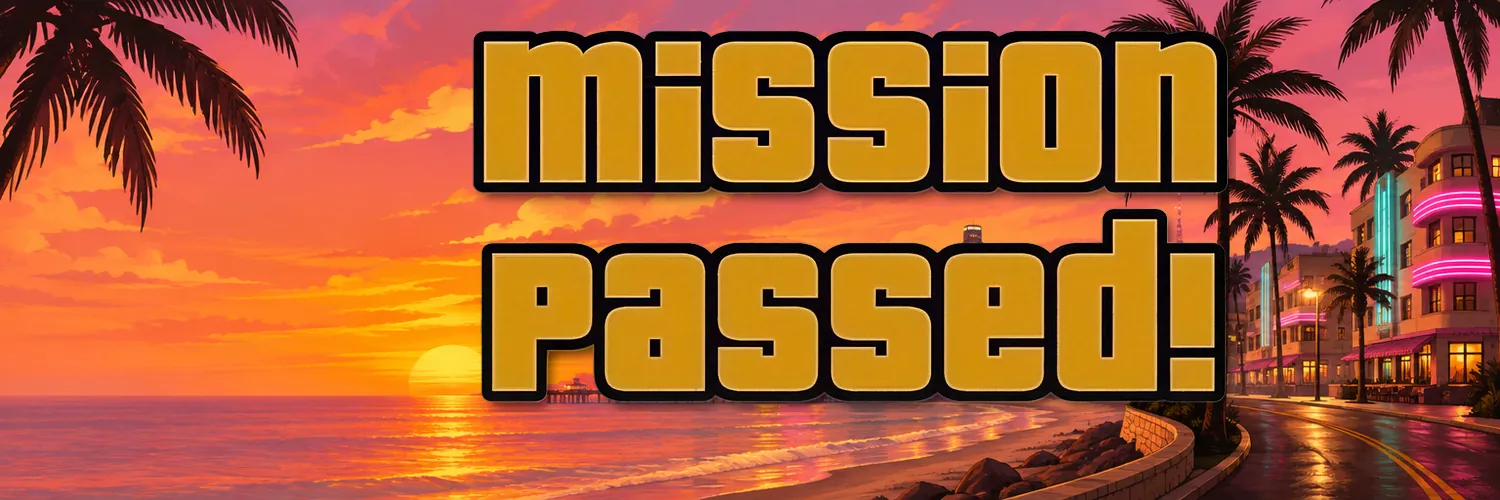
Mission Passed ($Passed) is the win screen every degen already knows by heart. The job is done, the gold letters drop, respect ticks up, and the next run is already loading. This is that exact moment, now a Solana meme: late-night chases, rooftop celebrations, palm-lined skylines, and a crew that never clocks out. No offices, no whitepapers, just the feeling of clearing the map and cashing the bag. $Passed lives on Solana for holders who treat every candle like a completed mission. When the screen flashes gold, you already know the line.

File 02 // Objectives
How to buy
Three steps. No shortcuts from a DM. Verify the contract on this site only.
-

01
Get Phantom
Install the Phantom wallet in your browser or on your phone. That is the bag you carry into the job.
-

02
Fund with SOL
Send a little SOL to your wallet for the swap and the network fee. Keep a reserve so the exit stays clean.
-

03
Swap on pump.fun
Open PumpSwap, paste the $Passed CA, and buy. The Buy button on this site routes through pump.fun once the CA is live.
Only this address. We never DM first. If someone sends you a CA, it is not us.
File 03 // Market
The chart
Live DexScreener once the contract is live. Until then the board stays dark.
Awaiting briefing
CA: TBA — the chart unlocks when the contract drops.
File 04 // Loading art
Lore
Loading-screen stills from the run. Tap a panel to open it. Every image keeps its original aspect ratio.
File 05 // Crew
Join us
The next job is already loading. Hold the line when the screen goes gold.
X link coming soon.
TBA